9 Common Mistakes Jo Workflow Kabhi Stable Nahi Hone Deti (2026 Guide)
Aaj ke time me automation har business ka part ban chuki hai, lekin bahut saare log ye complain karte hain ki n8n automation fail ho jata hai ya workflows randomly break ho jaate hain. Sach ye hai ki n8n powerful tool hai, lekin galat approach use karne par automation unreliable ho sakti hai. Is article me hum detail me samjhenge wo 9 common mistakes jo n8n workflows ko unstable bana deti hain — aur saath hi unka real solution bhi.
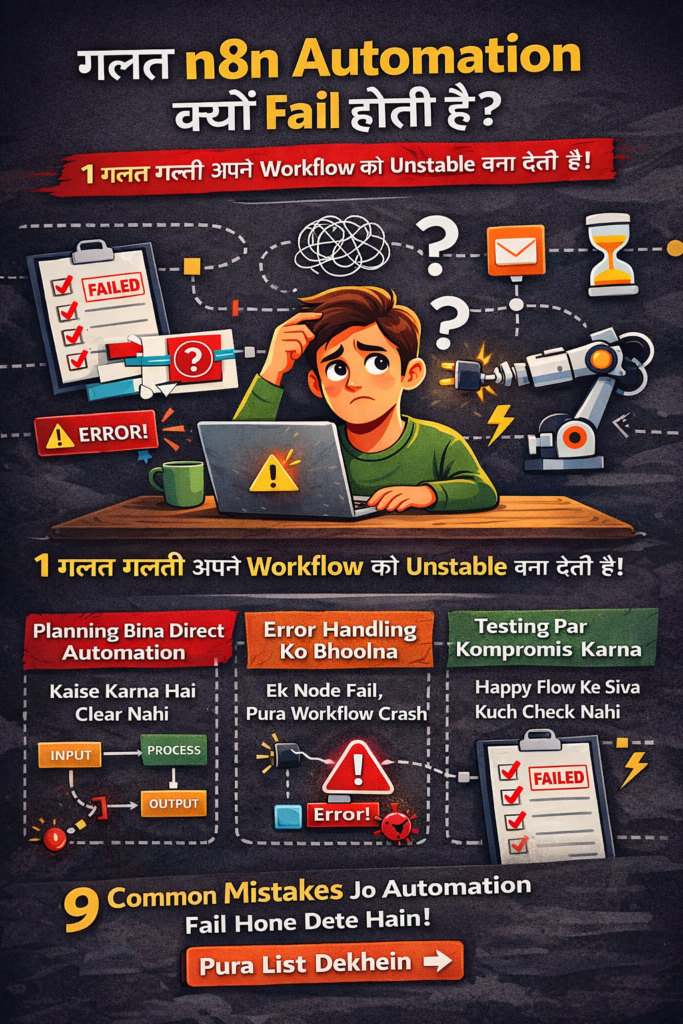
🔴 Mistake #1: Workflow Planning Bina Kiye Direct Automation Banana
Bahut se beginners pehle tool open karte hain aur phir sochte hain “ab dekhte hain kya hota hai”.
Problem:
- Data flow clear nahi hota
- Conditions confuse ho jaati hain
Solution:
Automation banane se pehle:
- Input → Process → Output paper par likho
- Har step ka purpose define karo
- n8n Workflow Samajh Nahi Aata?
🔴 Mistake #2: Trigger Ko Galat Samajhna
Trigger automation ka foundation hota hai.
Common Error:
- Cron trigger galat time par
- Webhook bina test kiye live
Fix:
- Hamesha trigger ko alag se test karo
- Production se pehle manual execution run karo
🔴 Mistake #3: Error Handling Ignore Karna
Ye sabse badi wajah hoti hai ki n8n automation fail hota hai.
Kya hota hai?
- Ek node fail → pura workflow stop
Solution:
- “Continue On Fail” option use karo
- Error workflow alag banao
🔴 Mistake #4: Large Data Bina Pagination Handle Kiye
Agar API se zyada data aa raha hai:
Issue:
- Timeout
- Memory overload
Best Practice:
- Pagination use karo
- Batch node ka use karo
🔴 Mistake #5: Credentials Management Galat Karna
Hard-coded tokens = future disaster ❌
Risk:
- Token expire
- Security issue
Correct Way:
- n8n credentials manager use karo
- Environment variables configure karo
- n8n official documentation
🔴 Mistake #6: Testing Sirf “Happy Flow” Par Karna
Real world me errors aate hi aate hain.
Problem:
- Invalid input
- API down
Fix:
- Negative test cases banao
- Dummy wrong data se test karo
🔴 Mistake #7: Workflow Over-Complex Bana Dena
Zyada nodes ≠ better automation.
Result:
- Debugging mushkil
- Performance slow
Solution:
- Ek kaam = ek workflow
- Sub-workflows use karo
🔴 Mistake #8: Logs & Execution History Ignore Karna
n8n logs goldmine hote hain.
Log ignore karne se:
- Root cause nahi milta
Best Practice:
- Har fail execution analyze karo
- Patterns identify karo
🔴 Mistake #9: Version Update Ke Baad Testing Na Karna
n8n updates powerful hote hain, lekin…
Risk:
- Node behavior change
- Deprecated features
Solution:
- Update ke baad test environment me run
- Direct production avoid karo
❓ FAQs (Rank Math FAQ Schema ON)
Q1. Kya n8n automation beginners ke liye risky hai?
Nahi, agar basics clear ho aur testing proper ho to n8n beginners ke liye safe hai.
Q2. n8n automation fail hone ka main reason kya hai?
Improper planning aur error handling ignore karna main reason hota hai.
Q3. Kya n8n free version me stable automation possible hai?
Haan, free version me bhi production-level workflows ban sakte hain.
Q4. n8n automation debugging ka best tareeka kya hai?
Execution logs aur step-by-step testing sabse effective tareeka hai.
🔚 CONCLUSION
Agar aap ye samajhte the ki n8n automation fail tool ki wajah se hota hai, to ab clear ho gaya hoga ki asal problem approach aur planning me hoti hai. Jab aap triggers, error handling aur testing ko serious lete ho, tab n8n ek highly reliable automation platform ban jata hai. 2026 me automation skills high demand me rehne wali hain, aur n8n ko sahi tarike se use karna long-term success ka strong foundation ho sakta hai.
- Real Estate AI Photo Prompts: Create Stunning Property Images That Sell Faster (2026 Guide)
- Car Dealer AI Photo Prompts: Create Professional Vehicle Photos That Sell Faster (2026 Guide)
- Jewelry Photography AI Prompts: Luxury Product Images Without Expensive Equipment 2026 guide
- E-Commerce Product Photo AI Prompts: Amazon & Flipkart Style Images in Minutes (2026 Guide)
- Facebook Profile AI Photo Prompts: Upgrade Your Social Presence Instantly